Discord
output.discord Output v0.1.0 Sends a Discord message through a webhook or as a bot (token + channel). Leave the content blank to send the input payload as JSON; embeds, username, and avatar overrides supported.
Finding it in the library
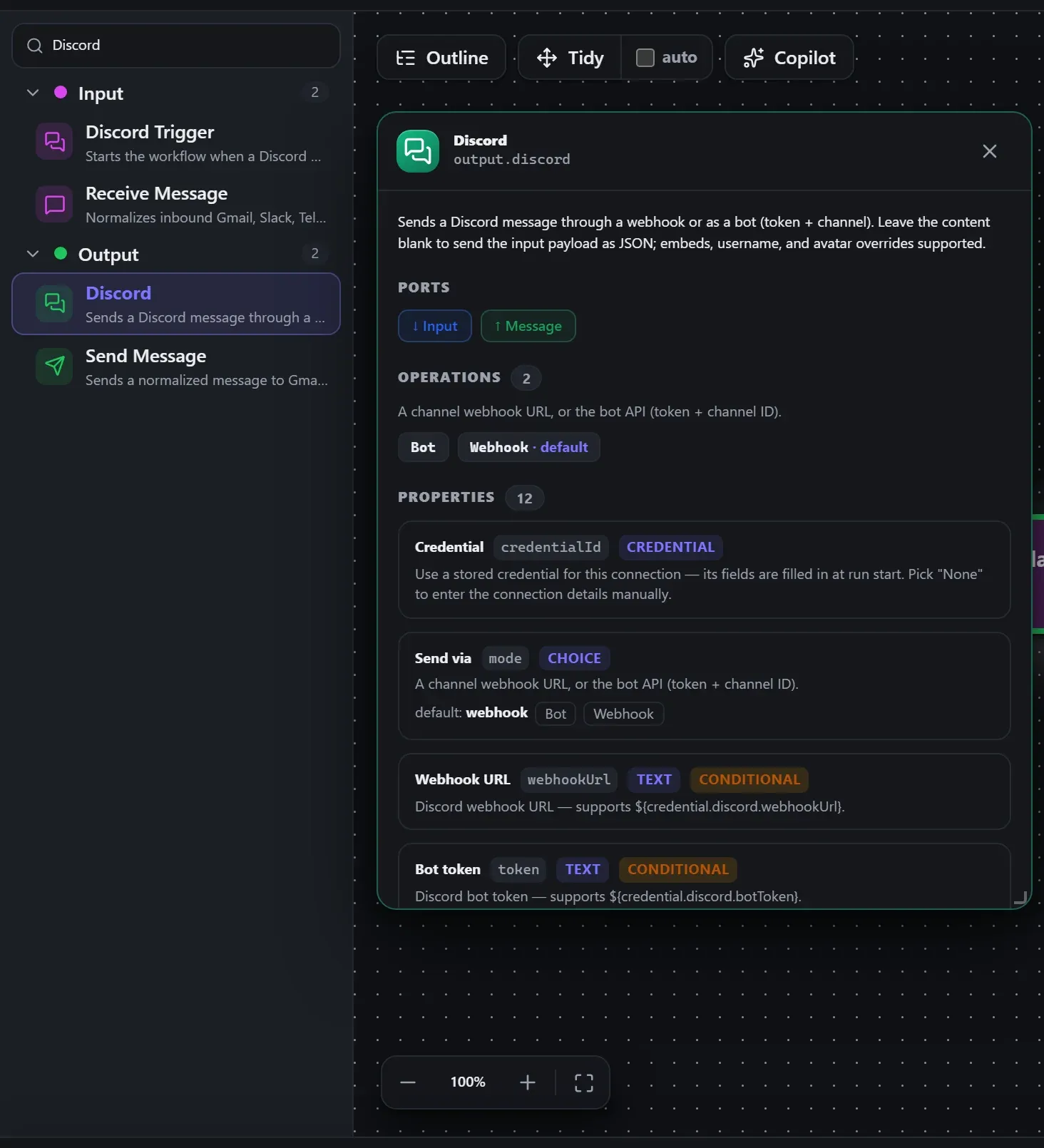
Search the builder's node library for Discord (it lives under Output). A single click opens the in-editor docs panel shown here — description, ports, and every property, without leaving the canvas. Double-click (or drag) to add it to the workflow.
Wired up in the builder
Discord in a real, runnable flow — captured live from the Studio editor, exactly as it looks on your canvas. This is the same workflow used for the example input & output below.

How it’s configured
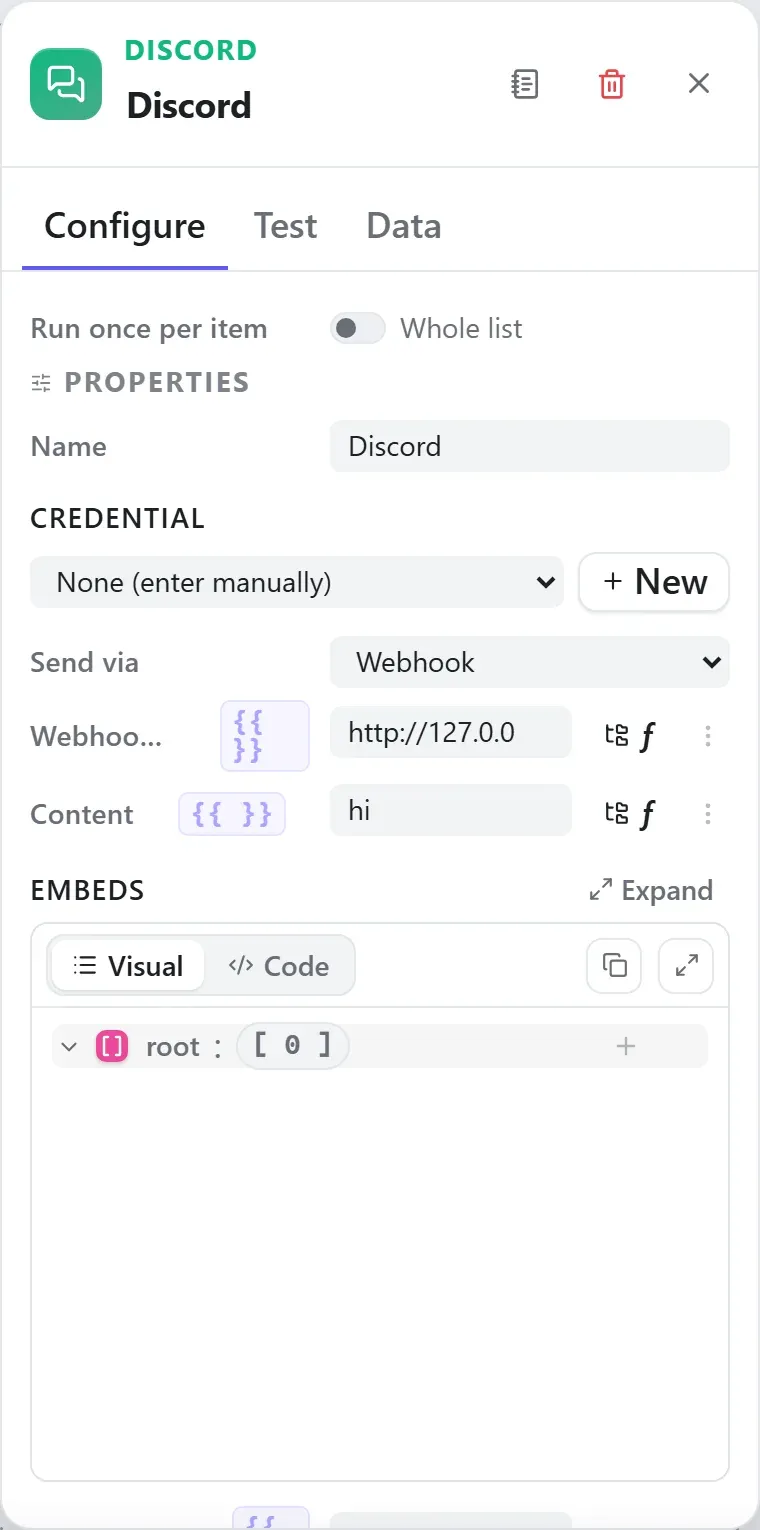
The node’s settings as the builder shows them — every field laid out with real values. In the Studio these are edited on the node: click the chevron on the divider under its ports to open them.
Ports
Ports are the node’s contract with its neighbours. In the editor a port label renders bold when wired and italic when optional; ◈ ports accept attachment carriers rather than data wires.
| Direction | Port | Label | What flows through it |
|---|---|---|---|
| Input | input | Input | |
| Output | output | Message |
How data flows through it
Discord consumes the content of the incoming envelope — when it is fed directly by a trigger, the trigger’s wrapper is unwrapped at the node boundary so the node sees the actual data, not the metadata shell. Its output becomes the payload for the next node, while the envelope (trace ids, correlation, binary refs) rides along untouched. In the Runs view you always see the whole envelope for both sides of this node.
Expressions in the config
String-typed properties accept {{ }} expressions evaluated against the
incoming item at run time — e.g. {{ $json.customer.email }}. On this node
that’s webhookUrl, token, channelId, content, username, avatarUrl, baseUrl. JSON- and code-typed fields never interpolate — they are passed through literally.
Build it with AI
Every node in this reference is reachable through Flowdrome’s
AI Copilot and the
MCP tools — say what you want, and the graph surgery
happens server-side. Node types resolve fuzzily, so the catalog label
(Discord) works as well as the exact type id (output.discord).
In the Copilot panel (or any connected AI):
add a discord node after the triggerAs a step in a create_chain_workflow call:
{"type":"Discord","config":{}}Raw MCP call — add this node to a workflow with add_node
curl -s -X POST http://localhost:4800/mcp -H "content-type: application/json" -d '{ "jsonrpc": "2.0", "id": "1", "method": "tools/call", "params": { "name": "add_node", "arguments": { "workflowId": "<id>", "type": "Discord" } } }'Example input & output
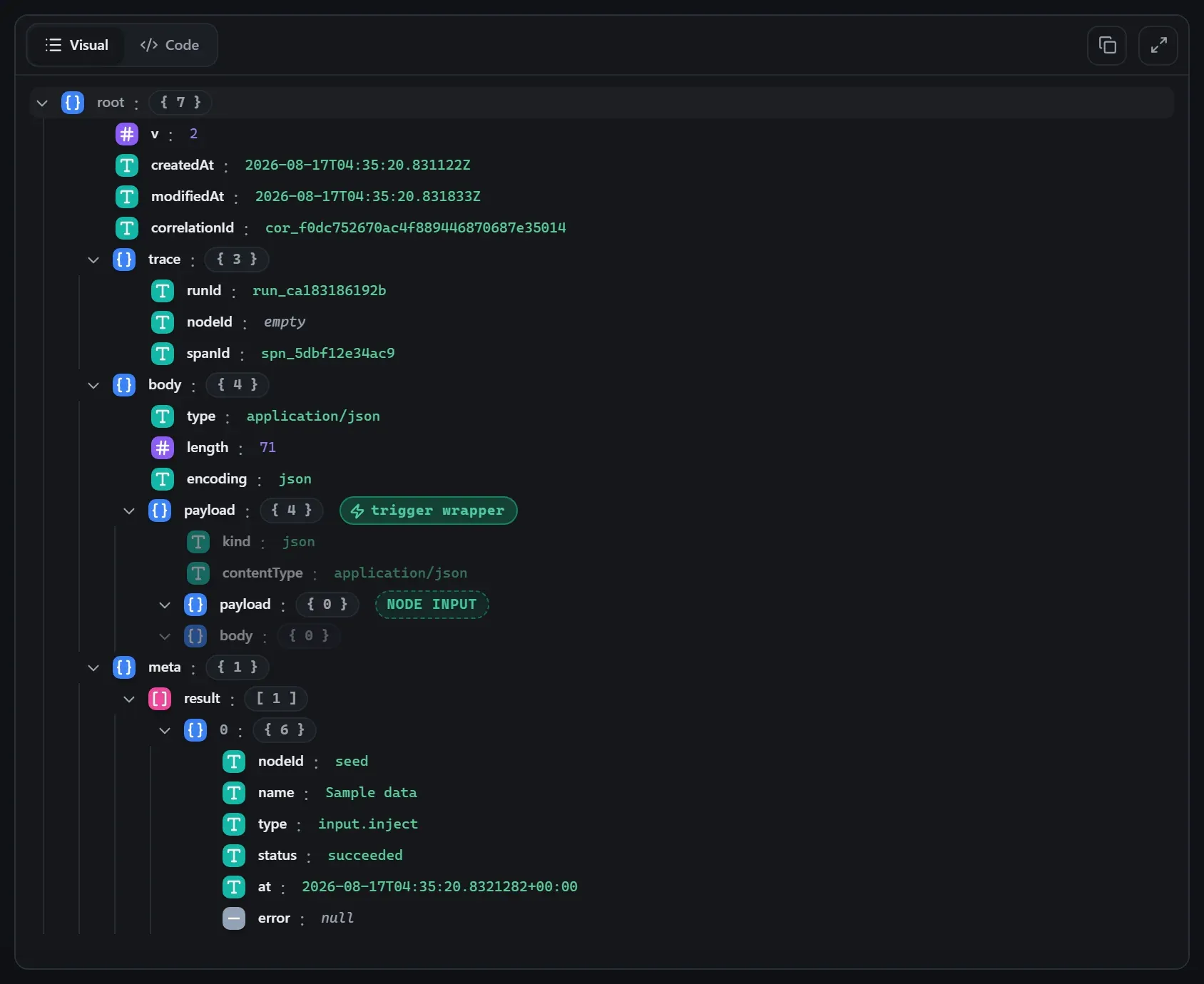
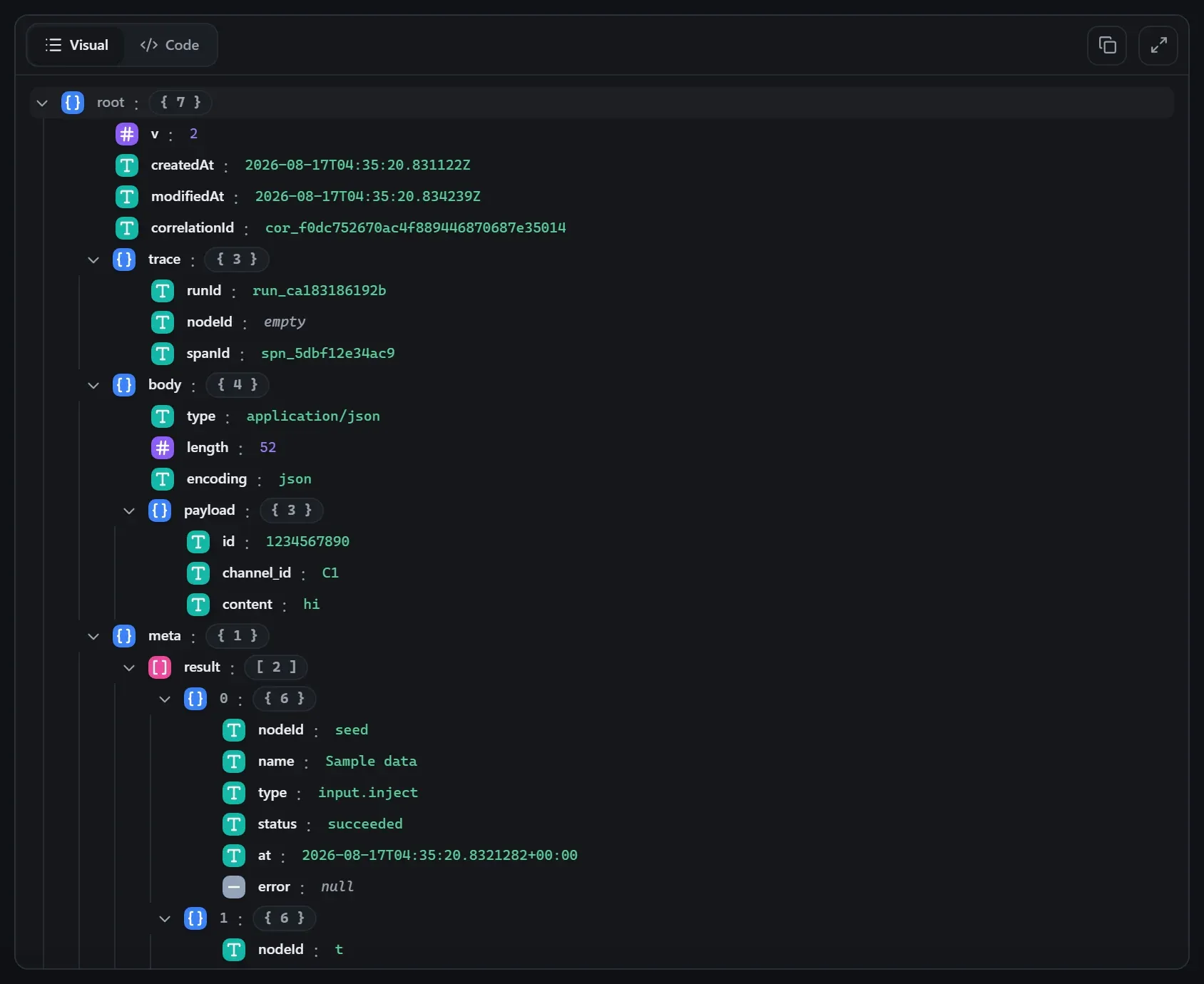
Captured from a real test run of the workflow above — this is what the Runs view shows after pressing Test workflow.
Input — what the node received
body.Output — what the node produced
Property reference
Every setting, with its type and default — the same fields shown configured above.
| Property | Type | Default | Description |
|---|---|---|---|
CredentialcredentialId | credential | "" | Use a stored credential for this connection — its fields are filled in at run start. Pick "None" to enter the connection details manually. accepts credential templates: discord |
Send viamode | select | "webhook" | A channel webhook URL, or the bot API (token + channel ID). botwebhook |
Webhook URLwebhookUrl | string | "" | Discord webhook URL — supports ${credential.discord.webhookUrl}. Shown when (mode ?? "webhook") === "webhook" |
Bot tokentoken | string | "" | Discord bot token — supports ${credential.discord.botToken}. Shown when mode === "bot" |
Channel IDchannelId | string | "" | Channel the bot posts into. Shown when mode === "bot" |
Contentcontent | string | "" | Message content. Leave blank to send the input payload as JSON. |
Embedsembeds | json | [] | Optional embeds as a JSON array. |
Username overrideusername | string | "" | Webhook display-name override. Shown when (mode ?? "webhook") === "webhook" |
Avatar URL overrideavatarUrl | string | "" | Webhook avatar override. Shown when (mode ?? "webhook") === "webhook" |
Wait for the messagewait | boolean | true | Wait for Discord to create the message and output the message object (off = fire-and-forget { sent: true }). |
Base URLbaseUrl | string | "https://discord.com" | Discord API base URL (bot mode; override for testing). Shown when mode === "bot" |
Timeout (ms)timeoutMs | int | 15000 | Abort the request after this many milliseconds. |
Related nodes
The rest of the Output group — the same folder you’d scan in the editor’s library.
This page is generated from the node registry by gen-node-docs.mjs on every
site build — ports, properties, defaults and visibility rules cannot drift from the code.
The screenshots and example data are captured from a live Flowdrome by
npm run shots:nodes and npm run gen:examples.