The AI Copilot
The Copilot button in the Studio toolbar opens a chat window that does real work on real workflows: describe what you want, and it builds, edits, inspects and test-runs — using the same 18 MCP tools an external AI client gets, against the same instance.
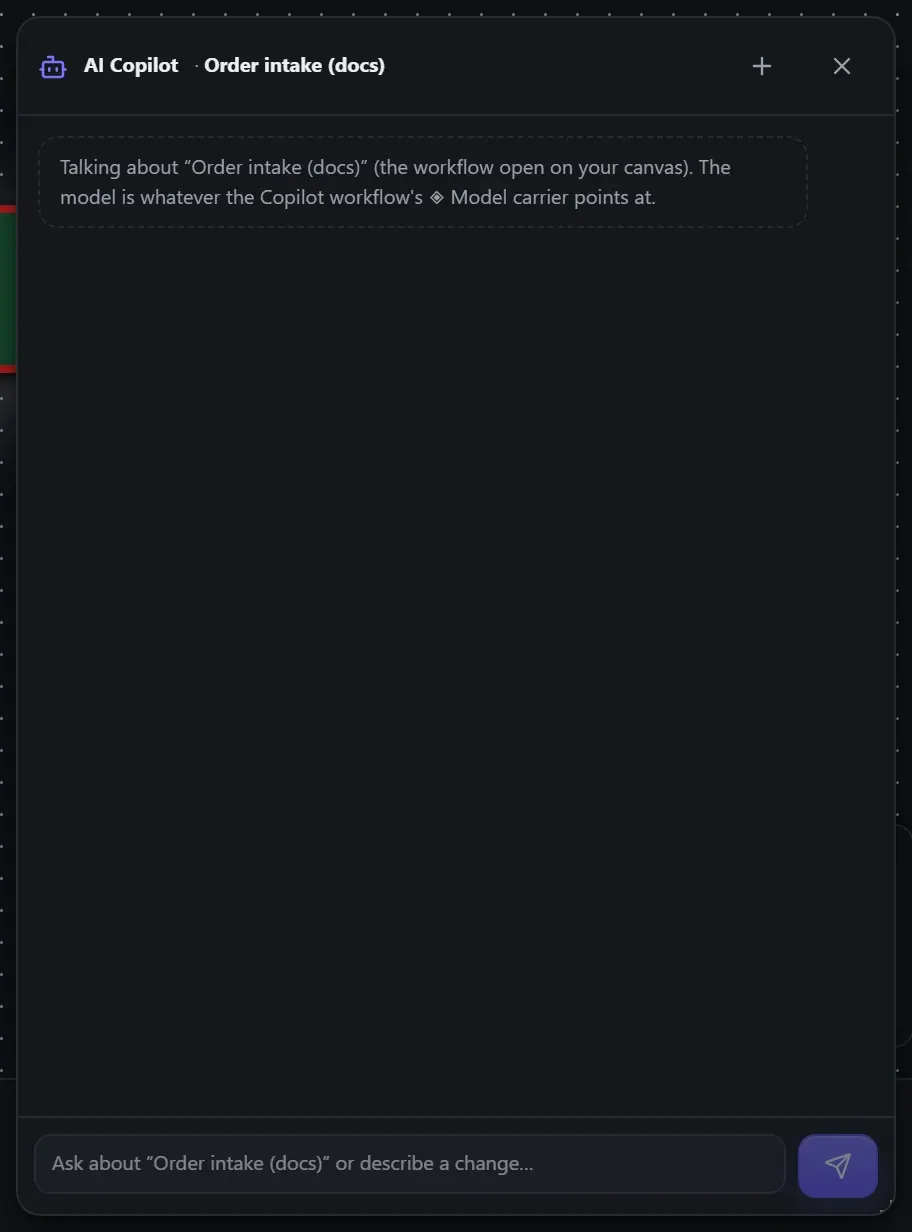
Pure dogfood: the Copilot is itself a workflow (AI Copilot) — a Web Chat trigger feeding an
AI Agent whose tools are this Nucleus’s own /mcp endpoint. It ships with Flowdrome and is
installed on first boot, in the Authoring folder. One thing is yours to fill in: open it in the
Studio and edit its ◈ Model carrier to point at your own endpoint — a local Ollama, any
OpenAI-compatible URL, or a hosted provider with your key. That is the whole of the setup.
Unlike the other built-in workflows, this one is yours to edit and is never overwritten — the model and key you type in are kept across restarts and upgrades.
It talks about the workflow you have open
Every message carries the open workflow’s identity — name, id, nodes, wiring — so “this workflow” always means the one on your canvas:
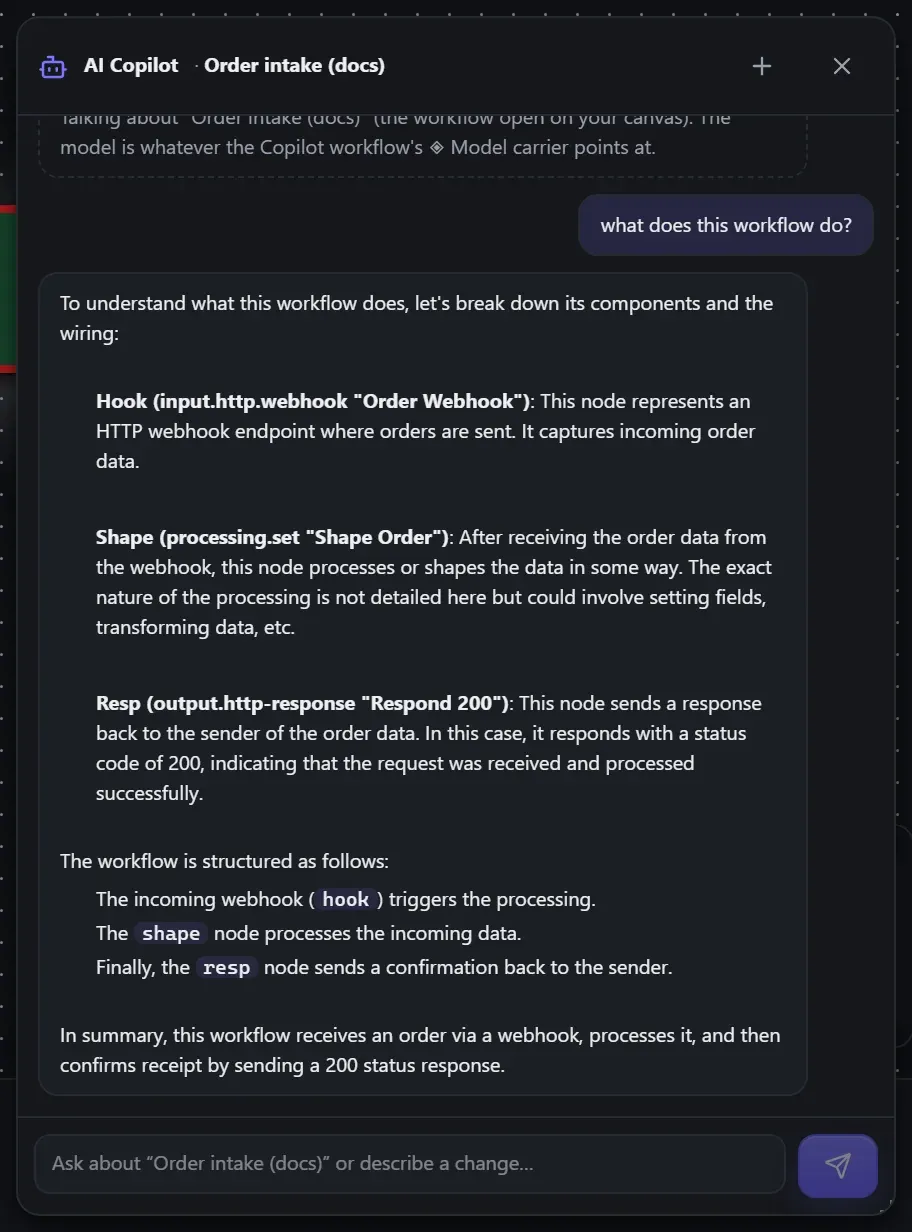
- Questions answer from the actual document: “what does this workflow do?”, “which node talks to an external service?”, “how often does this run?”
- Edits land on your canvas immediately, exactly as if you’d made them: “add a console between start and finish”, “change the url to https://api.example.com/v2”, “remove the connection between start and finish”, “rename this workflow to Orders v2”.
- An empty canvas means “build it here.” Open a blank workflow and say “create a mock api named time that returns the current date and time” — the API is built into (and renames) the open workflow, not squirrelled away somewhere else.
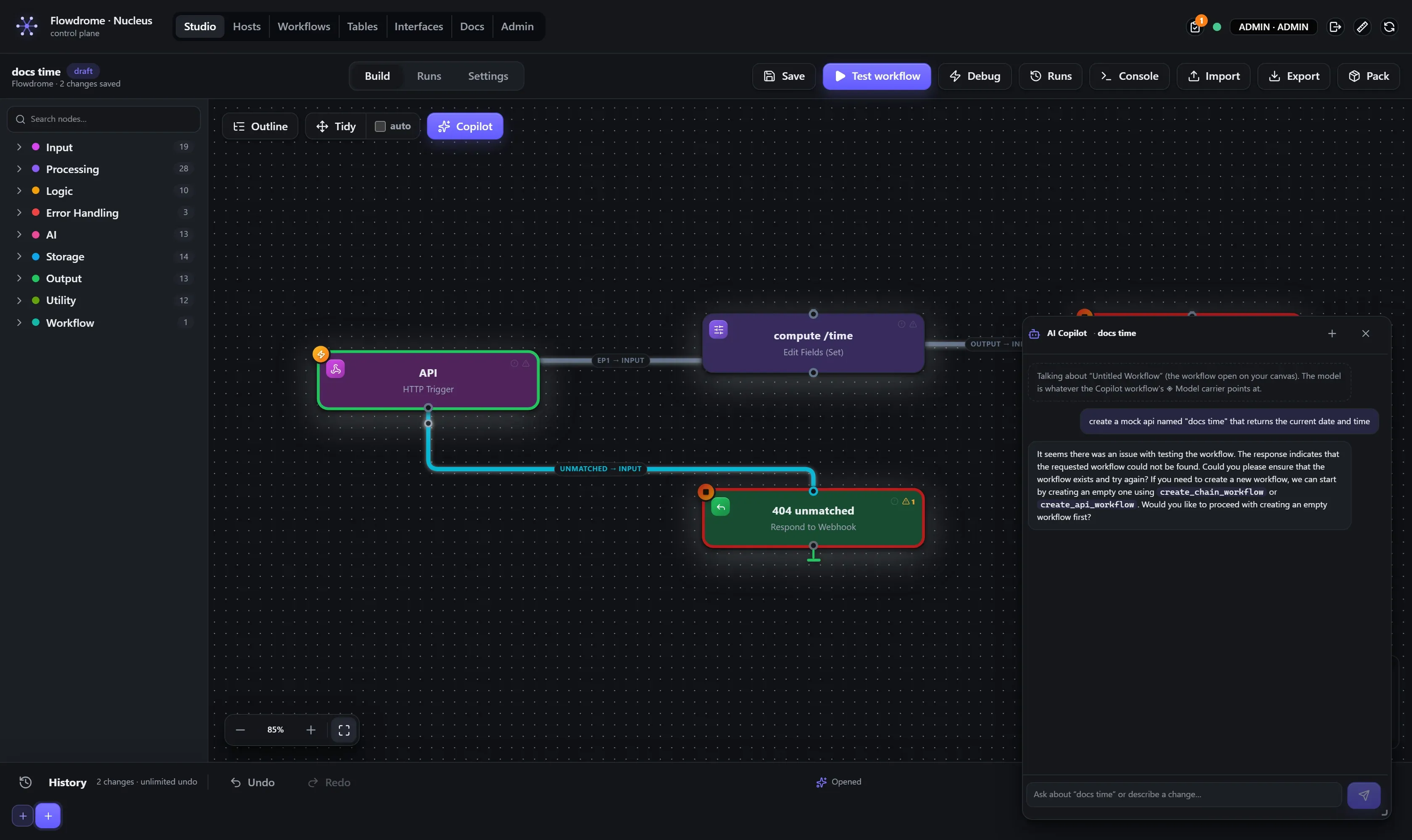
Live status while it works
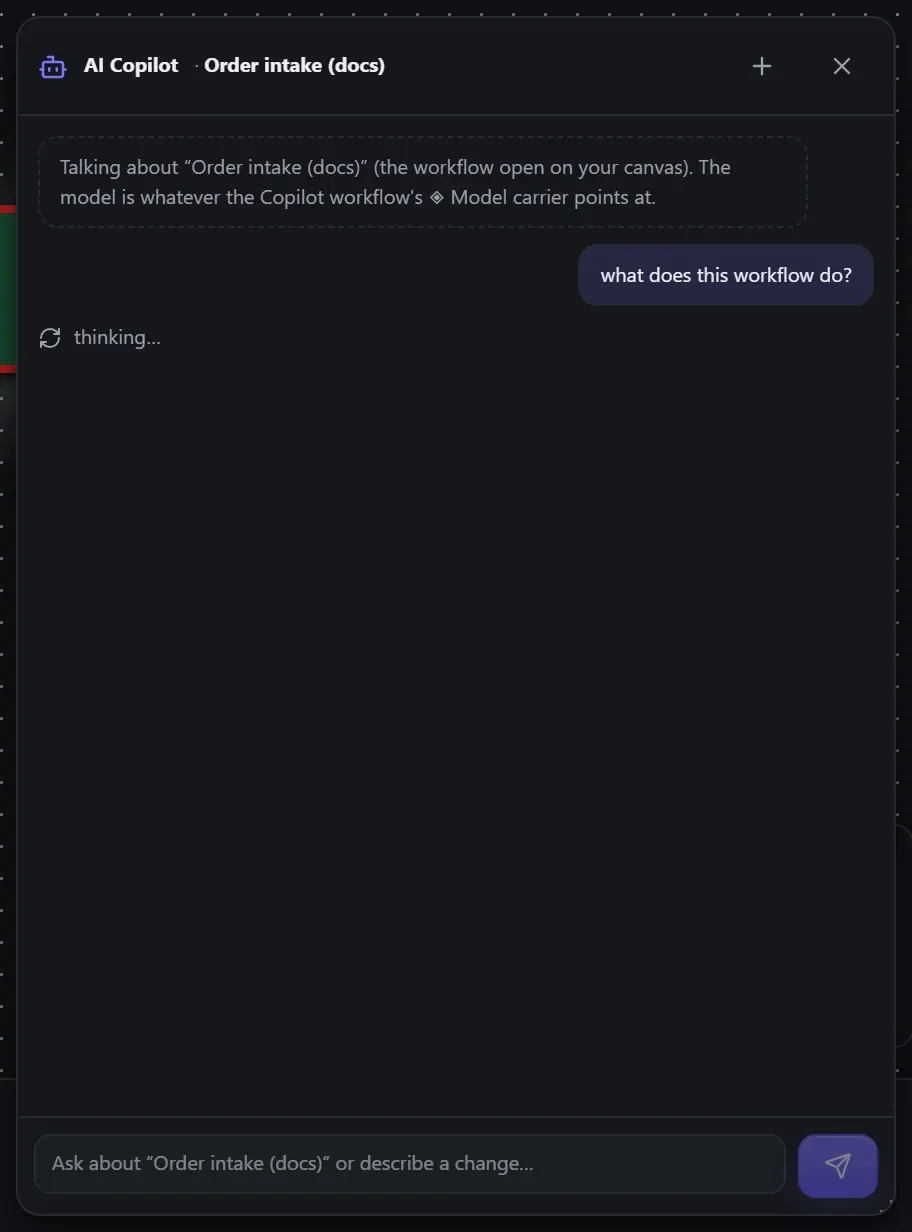
While the Copilot is thinking you see what it’s actually doing — not a bare spinner. The agent reports each phase (thinking…, using create_api_workflow…, thinking… (step 2)), and the same status lines land in the run’s Console feed afterwards as an audit trail of every tool it touched.
Grounded, and honest by construction
The editing tools were built for language models to use safely:
- Say it like a human. Nodes resolve by id, label, or type — “the finish node”, “the http
request” — and node types resolve against the live catalog, so “Edit Fields” works as well
as
processing.set. - Nothing half-happens. A reference that doesn’t resolve fails the whole call with the node roster in the error; a node is never added half-wired.
- Tools report what they did, and the Copilot repeats that — each editing tool returns a
didline stating exactly what changed (“inserted node_3 between t and s — wiring is now t → node_3 → s”). If a tool errored, the action did not happen, and it says so. - It can’t touch what it shouldn’t. The workflows implementing the platform’s own API ship locked, and there is deliberately no delete tool — ask the Copilot to delete a workflow and it will tell you to do that yourself.
Choosing the model
The Copilot thinks with whatever its ◈ Model carrier points at:
| Model | Experience |
|---|---|
qwen2.5:7b (local Ollama — the shipped default) | Free and private. Reliable for single-step edits and simple builds; the floor for dependable tool calls. |
| A hosted model (Anthropic / any OpenAI-compatible) | The real experience — multi-step builds, branching, honest self-correction. |
Operators can also point the seeded workflow at a hosted model at seed time with
FLOWDROME_COPILOT_PROVIDER, FLOWDROME_COPILOT_MODEL and FLOWDROME_COPILOT_API_KEY — the
key lands only in the stored workflow config, never in a repo.
The same brain, everywhere
The Copilot panel, external AI clients over MCP, and the Authoring REST API all drive the same tools against the same engine — what the Copilot can do in the panel, Claude Code or Cursor can do from your terminal.