Inject
input.inject Input v0.1.0 Injects static manual test payloads as workflow input.
Finding it in the library
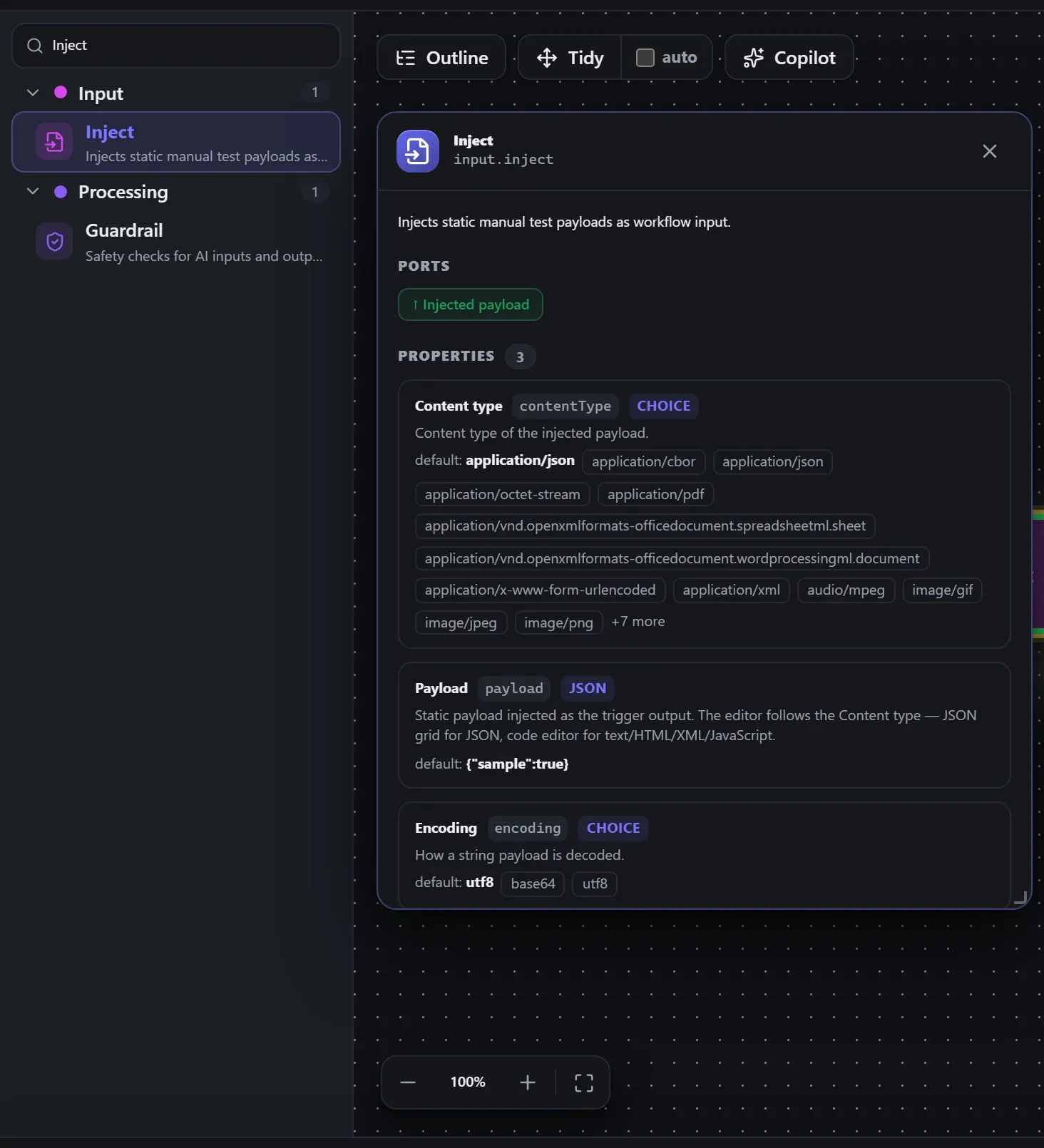
Search the builder's node library for Inject (it lives under Input). A single click opens the in-editor docs panel shown here — description, ports, and every property, without leaving the canvas. Double-click (or drag) to add it to the workflow.
Wired up in the builder
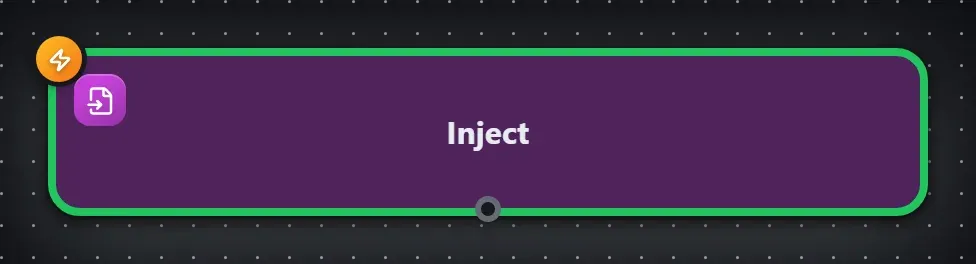
Inject in a real, runnable flow — captured live from the Studio editor, exactly as it looks on your canvas. This is the same workflow used for the example input & output below.

How it’s configured
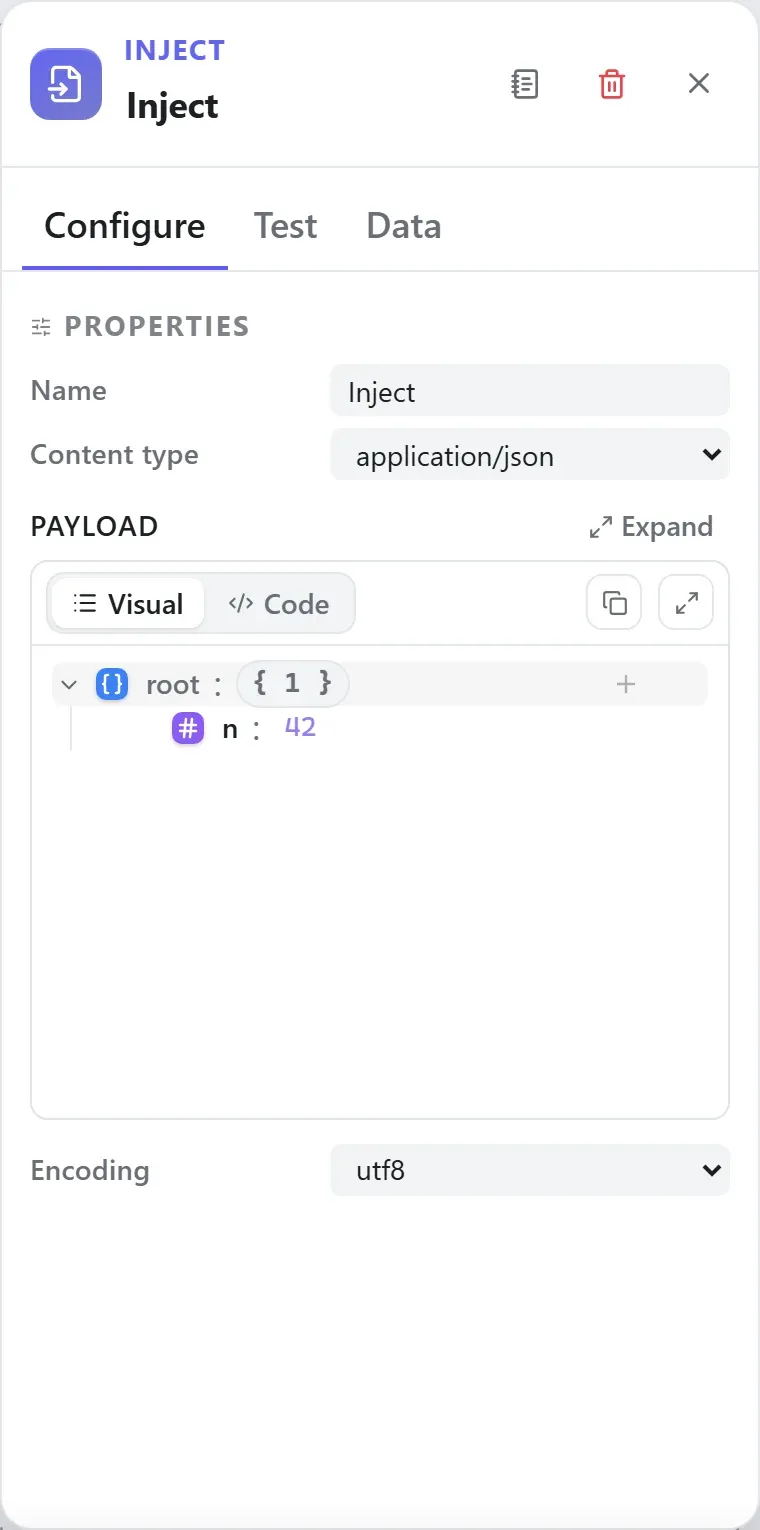
The node’s settings as the builder shows them — every field laid out with real values. In the Studio these are edited on the node: click the chevron on the divider under its ports to open them.
Ports
This is a trigger — it starts runs and takes no input wire.
Ports are the node’s contract with its neighbours. In the editor a port label renders bold when wired and italic when optional; ◈ ports accept attachment carriers rather than data wires.
| Direction | Port | Label | What flows through it |
|---|---|---|---|
| Output | output | Injected payload |
How data flows through it
As a trigger, Inject starts runs — it takes no input wire. What it emits is
the request wrapper: the event’s body becomes the payload, and the wrapper
carries the event metadata around it (for an HTTP-style trigger that’s
headers.*, request.method, request.path and
query). Downstream nodes consume the content — the wrapper is unwrapped
at each node boundary, and expression roots like {{ headers.x }} still
resolve against the wrapper when you need the metadata. See
Runs & run data for the envelope model.
Expressions in the config
None of this node’s properties are string-typed, so {{ }} expressions
don’t apply here — JSON- and code-typed fields are always taken literally.
Build it with AI
Every node in this reference is reachable through Flowdrome’s
AI Copilot and the
MCP tools — say what you want, and the graph surgery
happens server-side. Node types resolve fuzzily, so the catalog label
(Inject) works as well as the exact type id (input.inject).
In the Copilot panel (or any connected AI):
create a workflow that starts with inject and logs the resultAs a step in a create_chain_workflow call:
{"type":"Inject","config":{}}Raw MCP call — add this node to a workflow with add_node
curl -s -X POST http://localhost:4800/mcp -H "content-type: application/json" -d '{ "jsonrpc": "2.0", "id": "1", "method": "tools/call", "params": { "name": "add_node", "arguments": { "workflowId": "<id>", "type": "Inject" } } }'Example input & output
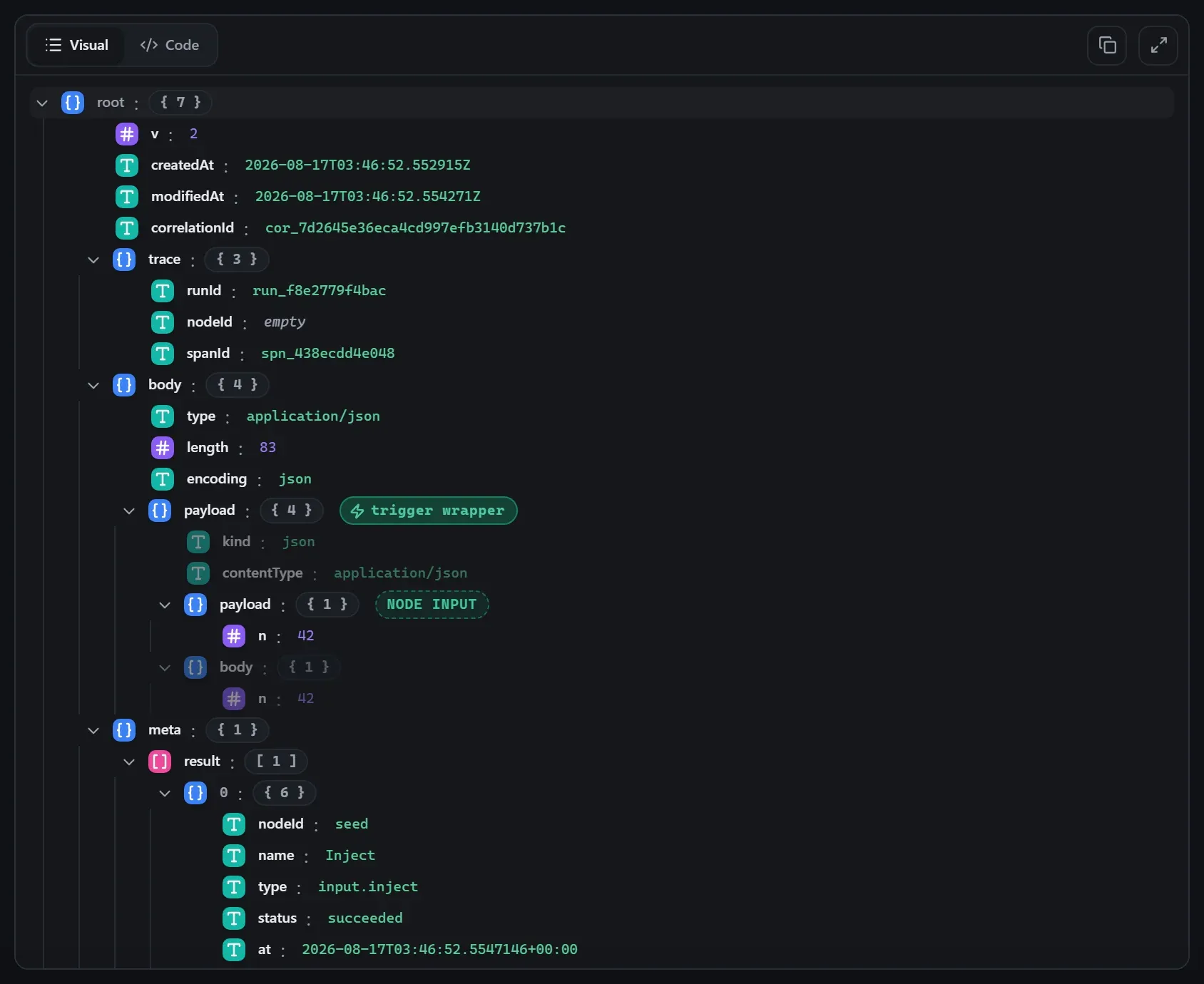
Captured from a real test run of the workflow above — this is what the Runs view shows after pressing Test workflow.
Inject is a test fixture: its output is the content wrapper ({ kind, contentType, payload }) the engine unwraps at the next node boundary.
Input — what the node received
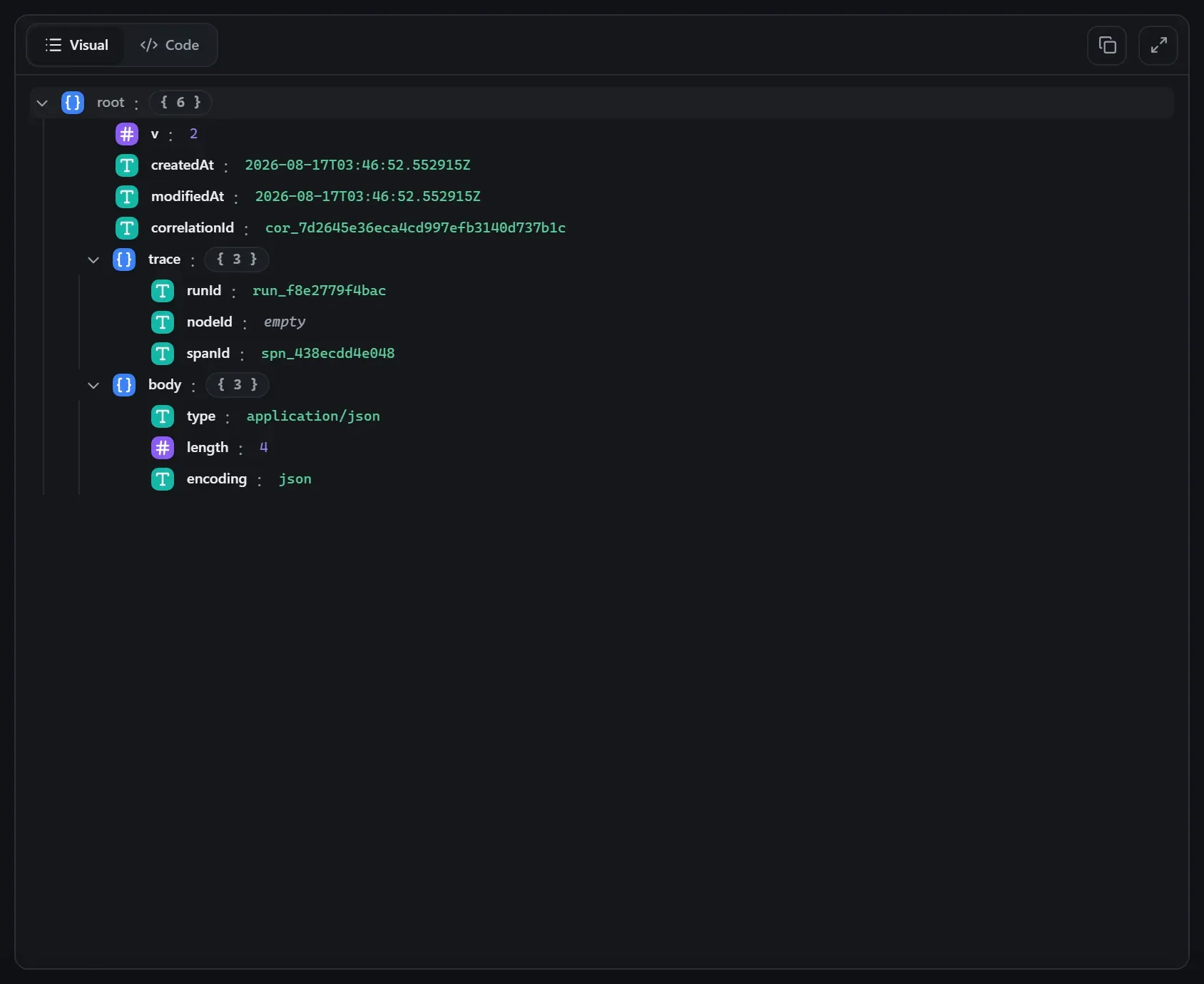
body.Output — what the node produced
Property reference
Every setting, with its type and default — the same fields shown configured above.
| Property | Type | Default | Description |
|---|---|---|---|
Content typecontentType | select | "application/json" | Content type of the injected payload. application/cborapplication/jsonapplication/octet-streamapplication/pdfapplication/vnd.openxmlformats-officedocument.spreadsheetml.sheetapplication/vnd.openxmlformats-officedocument.wordprocessingml.documentapplication/x-www-form-urlencodedapplication/xmlaudio/mpegimage/gifimage/jpegimage/pngimage/svg+xmlimage/webpmultipart/form-datatext/csvtext/htmltext/plainvideo/mp4 |
Payloadpayload | payload | {"sample":true} | Static payload injected as the trigger output. The editor follows the Content type — JSON grid for JSON, code editor for text/HTML/XML/JavaScript. |
Encodingencoding | select | "utf8" | How a string payload is decoded. base64utf8 |
Related nodes
The rest of the Input group — the same folder you’d scan in the editor’s library.
This page is generated from the node registry by gen-node-docs.mjs on every
site build — ports, properties, defaults and visibility rules cannot drift from the code.
The screenshots and example data are captured from a live Flowdrome by
npm run shots:nodes and npm run gen:examples.